
Same local protection
Up to 10 protected files
Personal vault basics
Offline FileSecure
Private file vault for Android
Store protected copies of private files locally on your device, with no account, no cloud upload, no ads, and no tracking. Google Play may be used to check for and install app updates.
Add protected copies
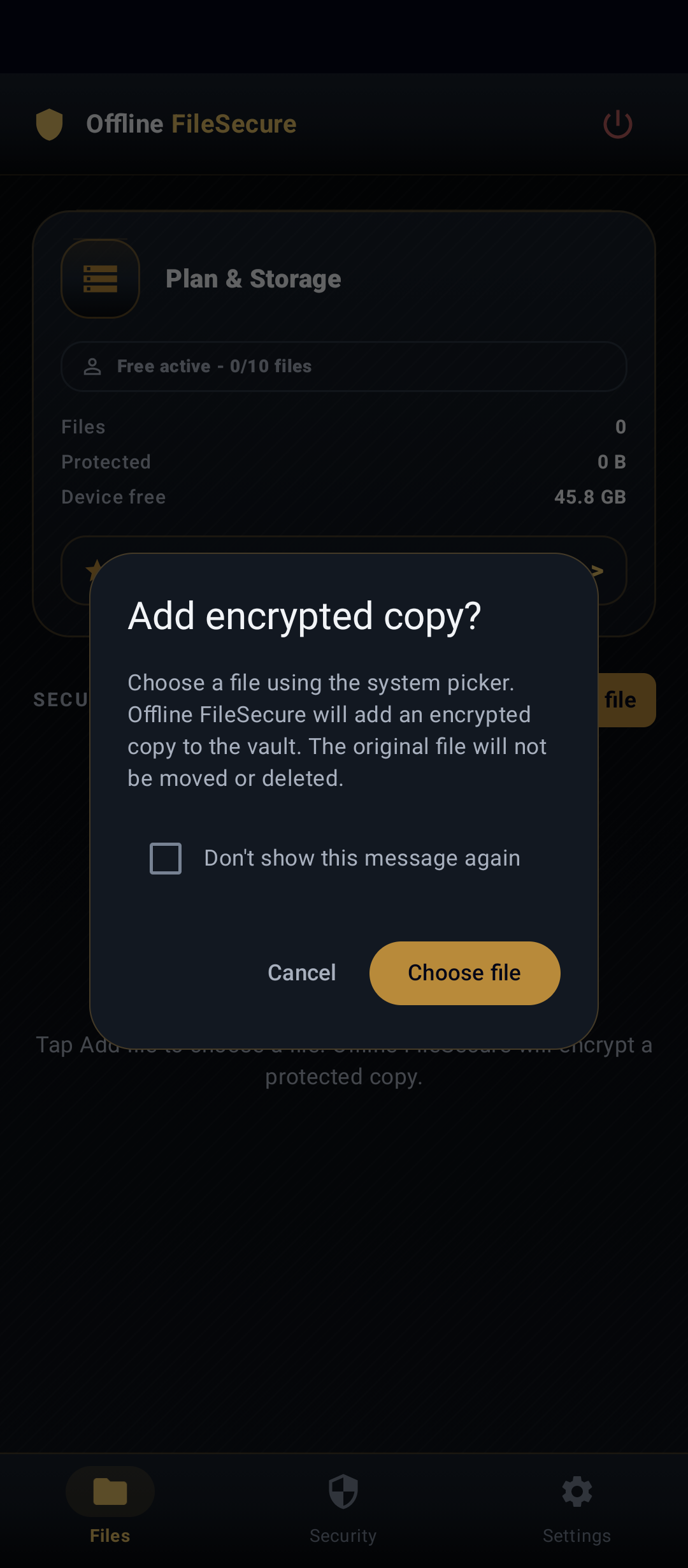
Add files without moving the original
Adding to the vault creates a protected encrypted copy. The original file remains where it was unless you delete it yourself, and every import is started by you.
Organize private files
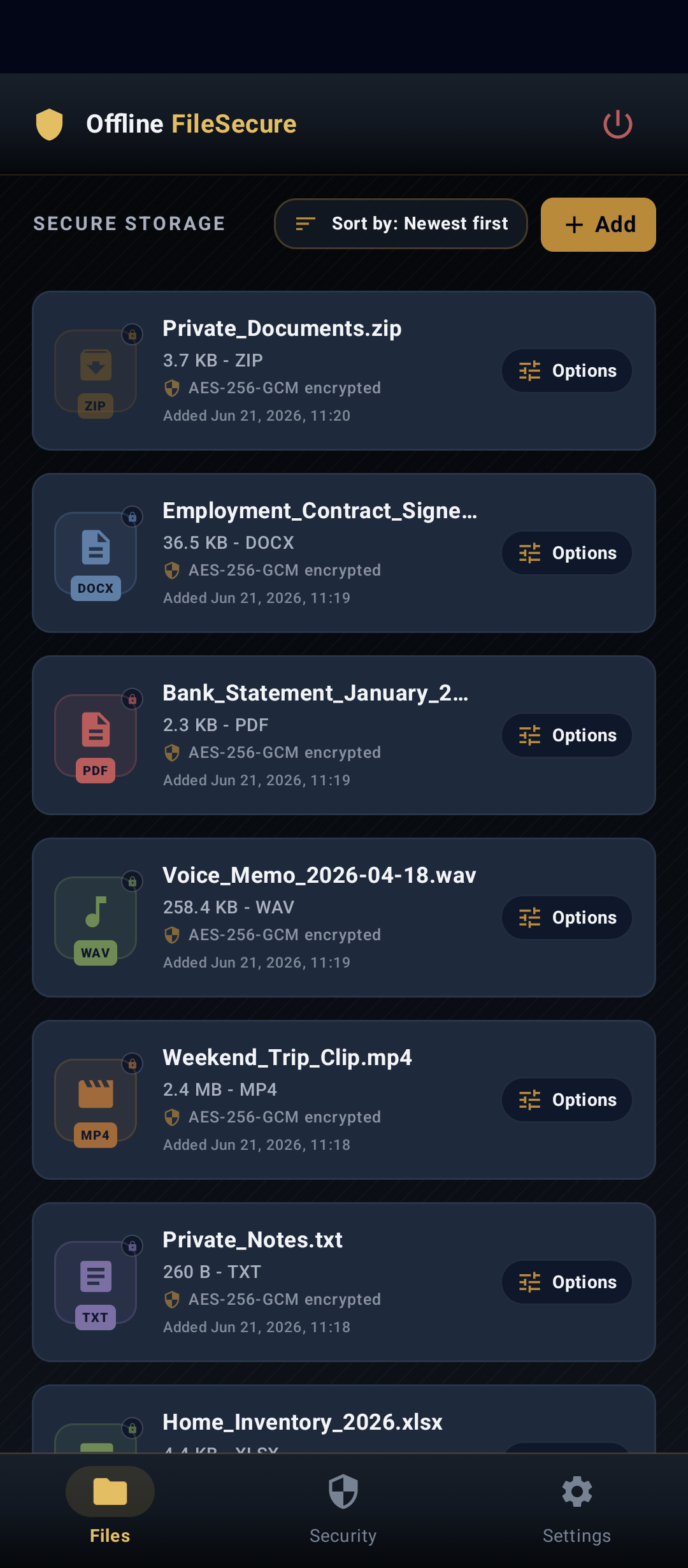
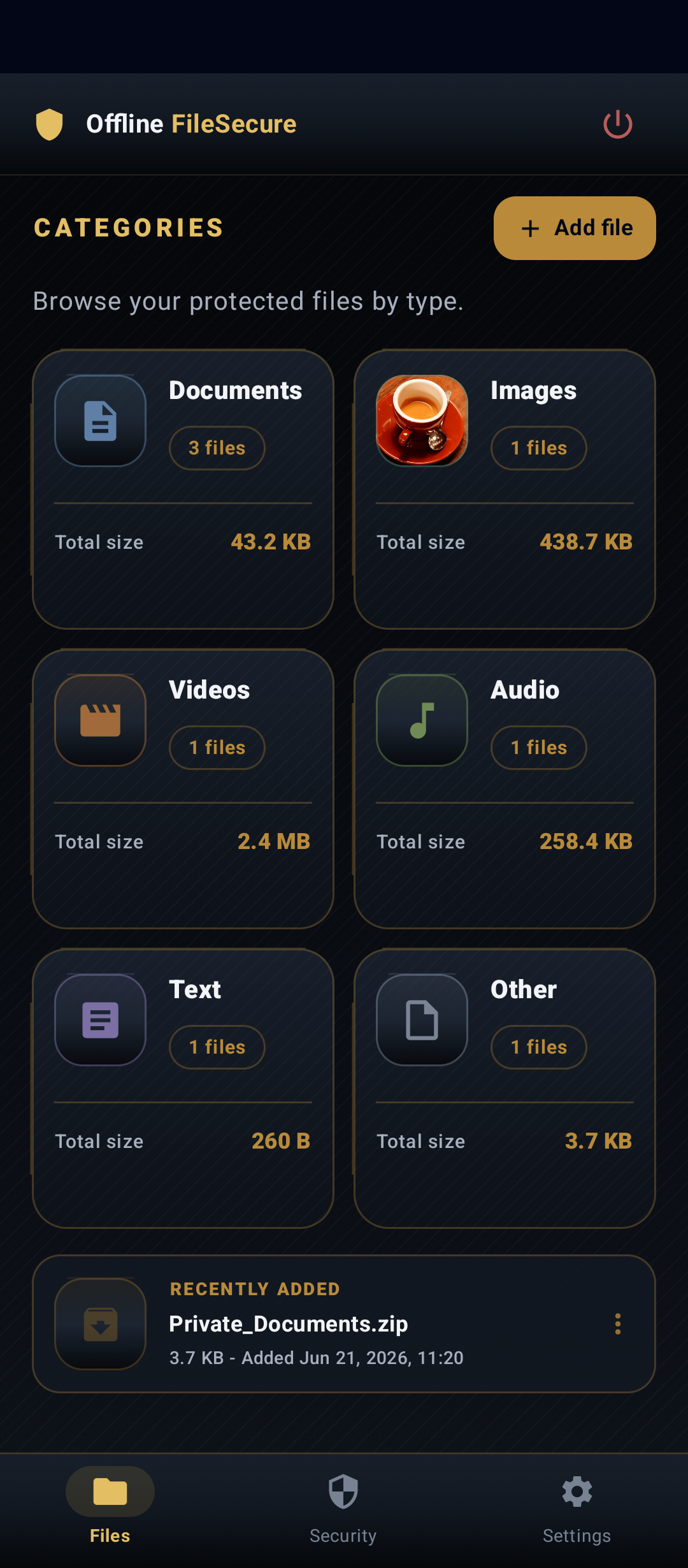
Keep vault files understandable as they grow
Files are stored inside the vault. Pro adds convenience and organization features such as a category dashboard, image thumbnail setting, recently added organization, and batch import.
Pro does not provide stronger encryption; it gives you more room and better ways to manage the same core local vault model.
Preview inside the vault
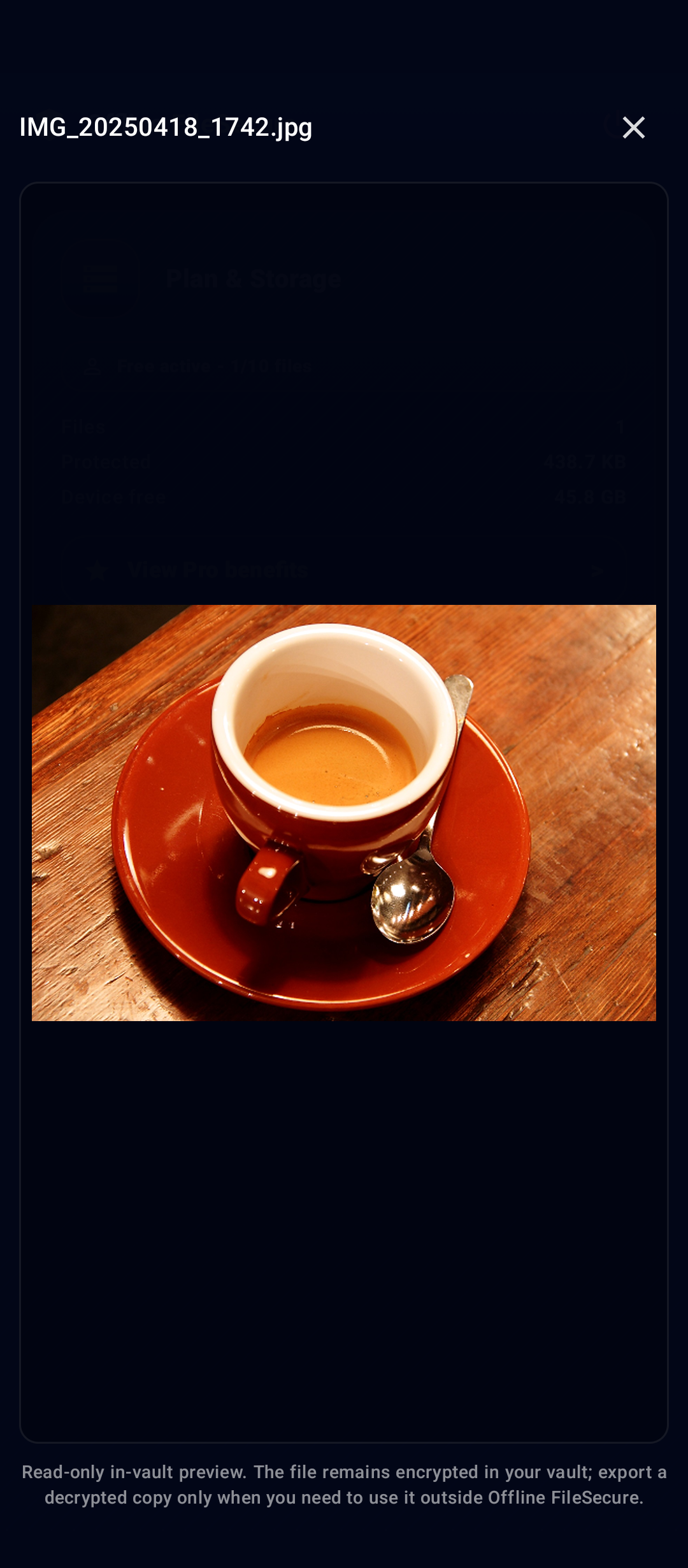
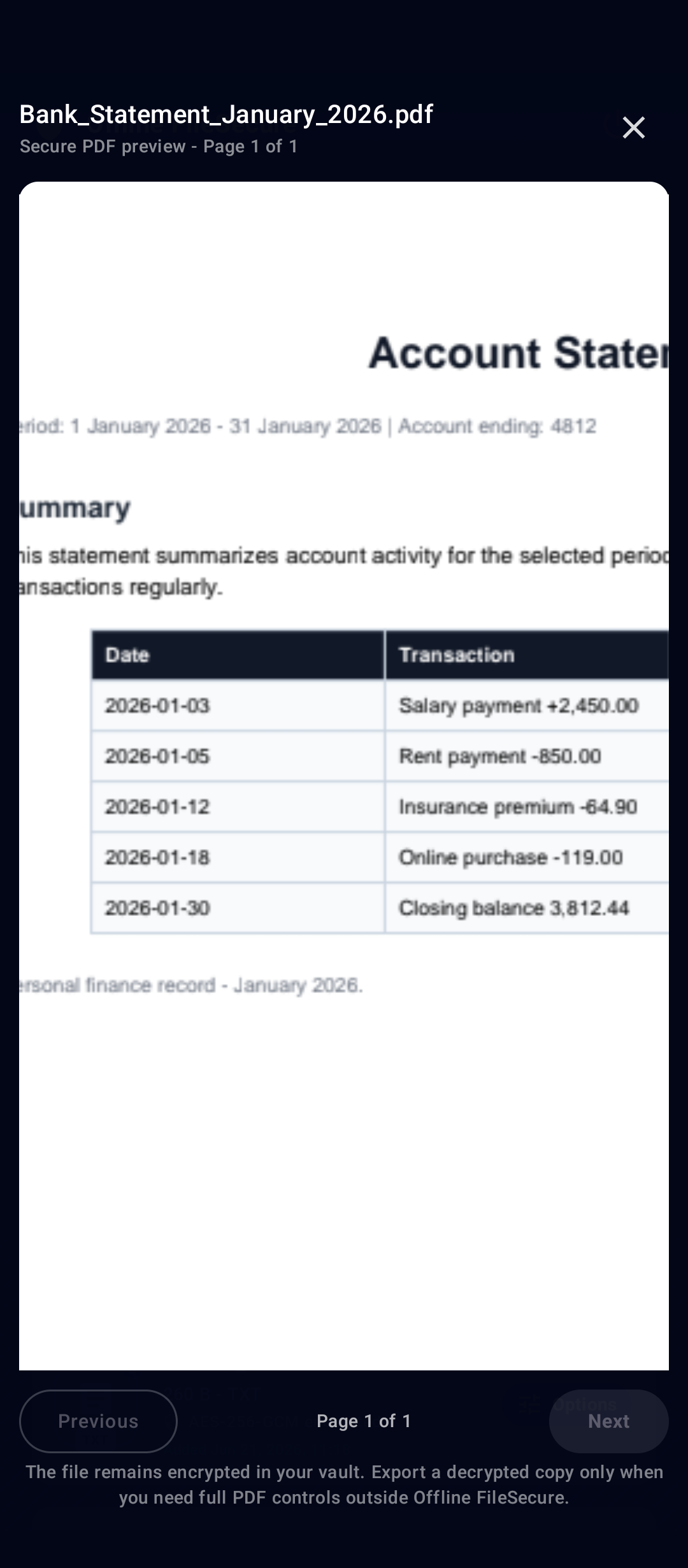
View supported file types in-app
Supported common file types can be previewed inside Offline FileSecure. The preview flow is designed to avoid making external apps the default path, without claiming every file type is supported.
Encrypted by design
Protected copies, not just hidden files
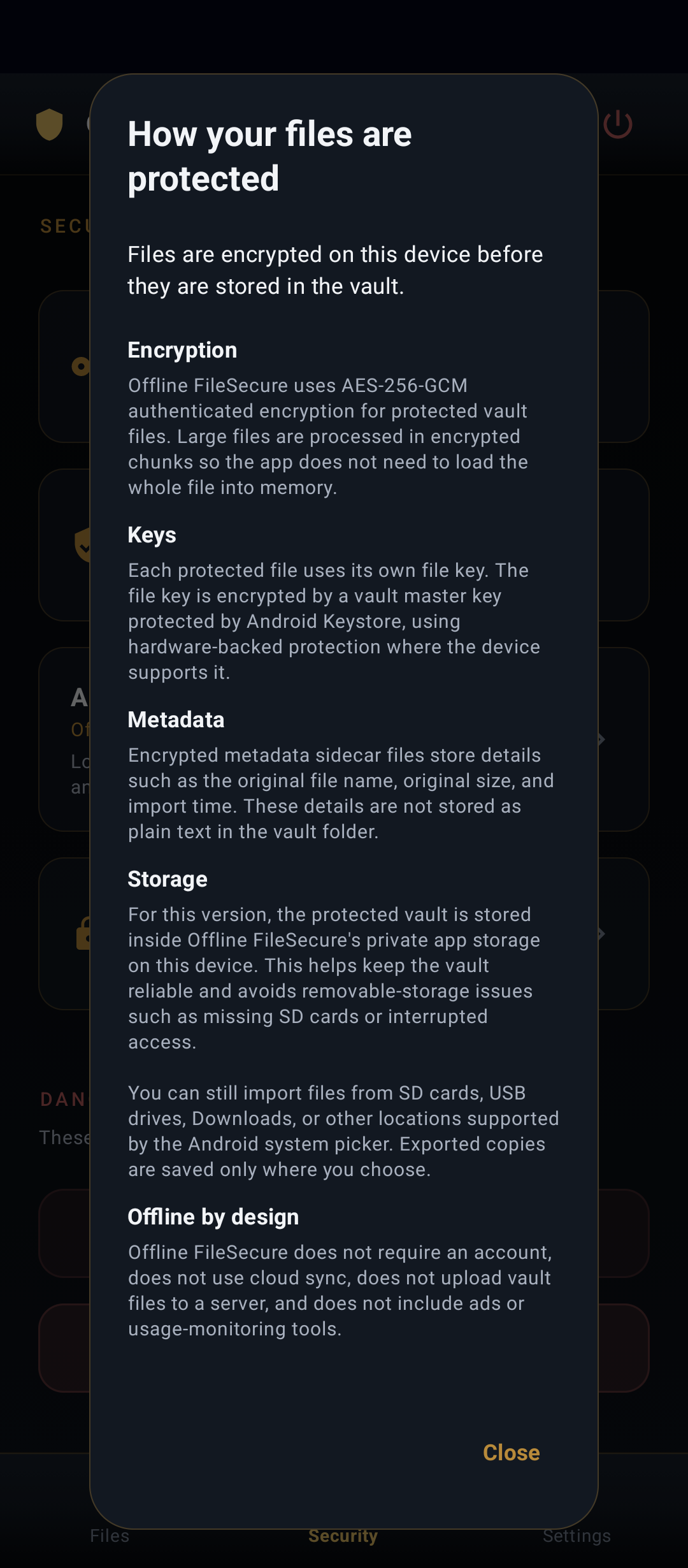
Offline FileSecure does not simply hide files behind a PIN screen. When you add a file, the app creates a protected encrypted copy inside the app's private vault storage. Encryption and decryption happen on your device, and vault files are encrypted with authenticated encryption so the app can detect if protected data has been changed or corrupted.
- Files are encrypted inside the local vault.
- The Vault PIN controls access to the app.
- Vault keys are protected using Android device security features where supported.
- Large files are processed in chunks instead of loading the whole file at once.
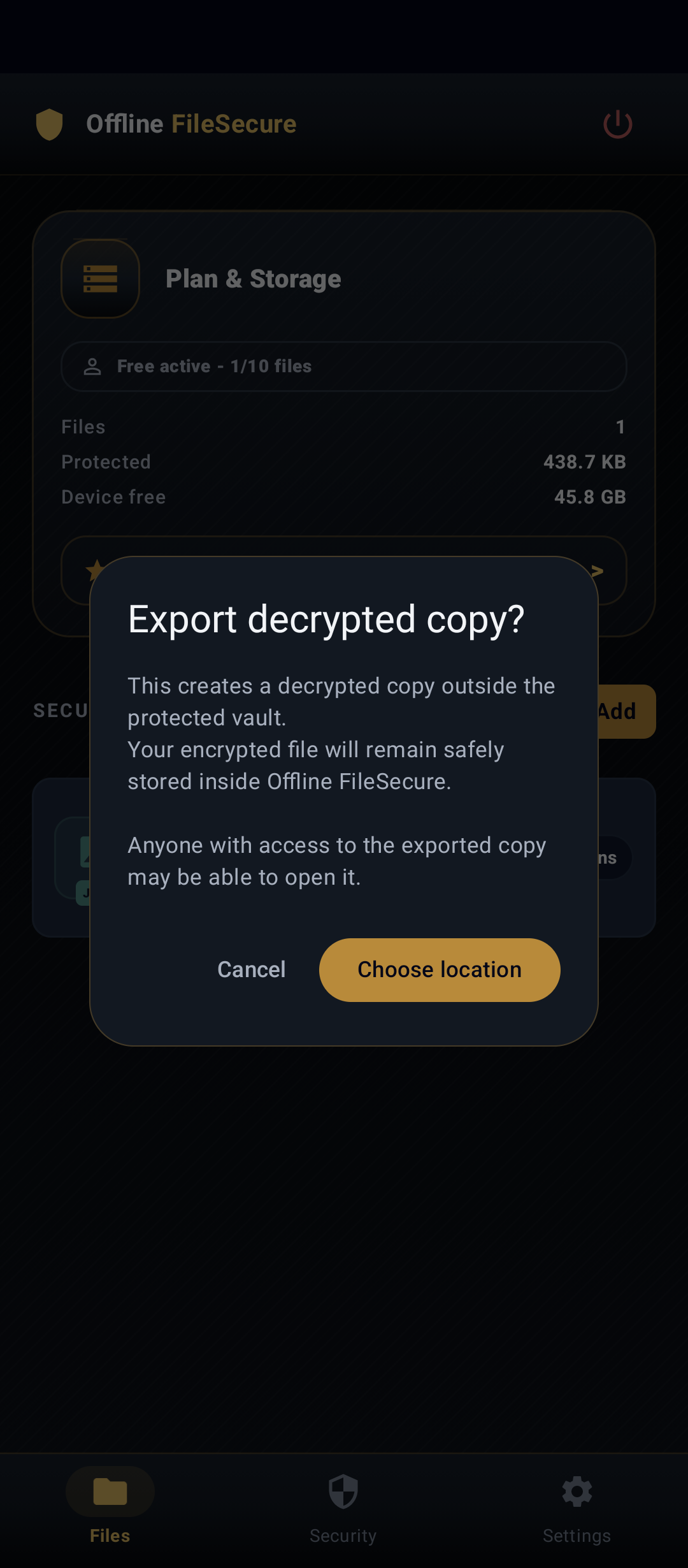
- Exported copies are decrypted files outside the vault and should be handled carefully.
Security and privacy controls
Local protection with clear settings
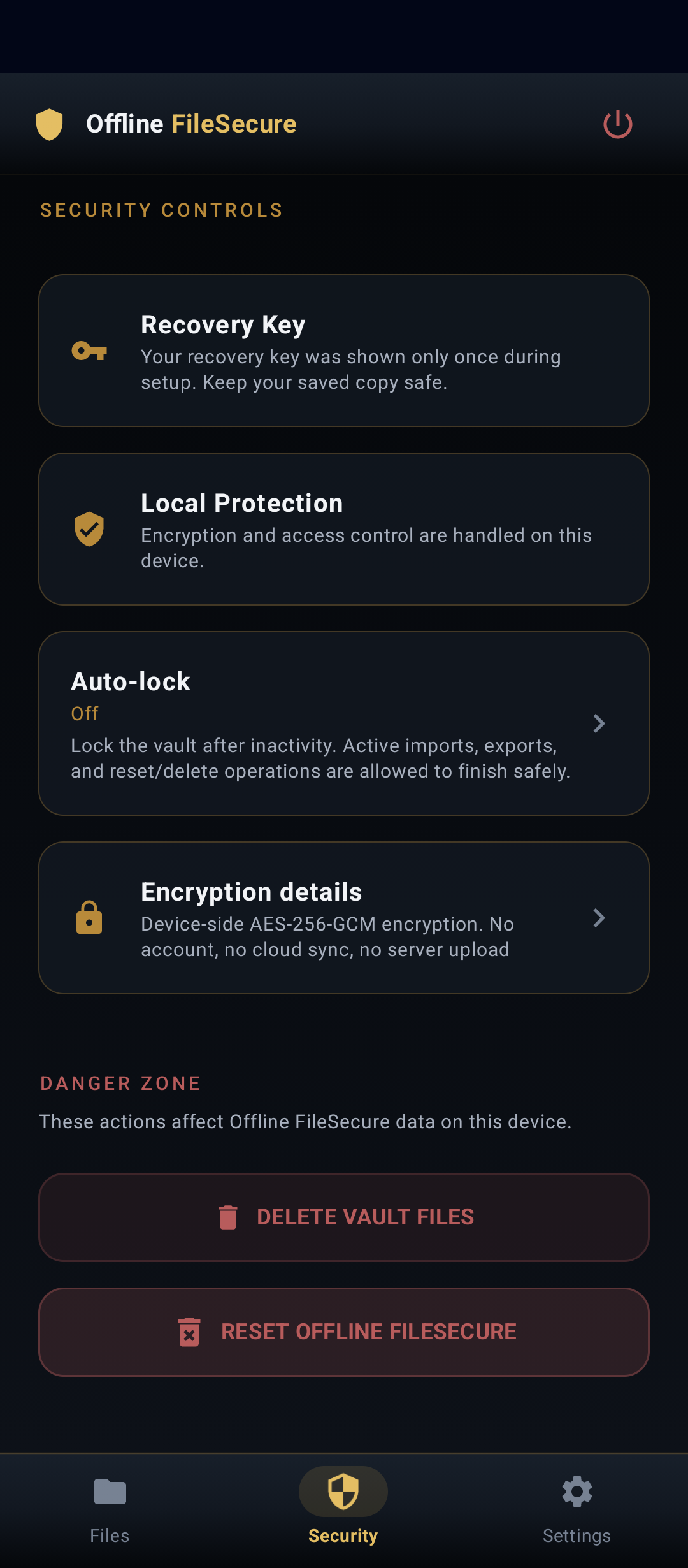
Offline FileSecure uses a vault PIN, optional biometric unlock, screen protection setting, auto-lock, and visible encryption details. The Vault PIN controls access to the app, while vault files themselves are stored encrypted.
The vault model is local and offline: protected files are not uploaded to DK App Tools, and there is no account, no cloud upload, no ads, and no tracking. Google Play may be used to check for and install app updates.
DK App Tools cannot remotely recover vault files for you.
Export only when you choose
Protected files leave the vault by explicit export
Files stay protected inside the vault until you choose to export them. Exported files are decrypted copies outside vault protection, so choose export locations carefully.
Free and Pro
The Free plan includes a basic vault with a 10-file limit. Pro removes the file count limit and adds more organization options.
Removes the Free 10-file limit
Limited by available device storage
Batch import
Category dashboard
Thumbnail controls
Recently added tools
Pro adds convenience and capacity, not stronger security.
Important boundaries
What the app protects, and what still depends on you.
Adding to the vault creates a protected copy.
Export creates a normal decrypted copy.
Keep them safe.
DK App Tools cannot restore lost vault data remotely.